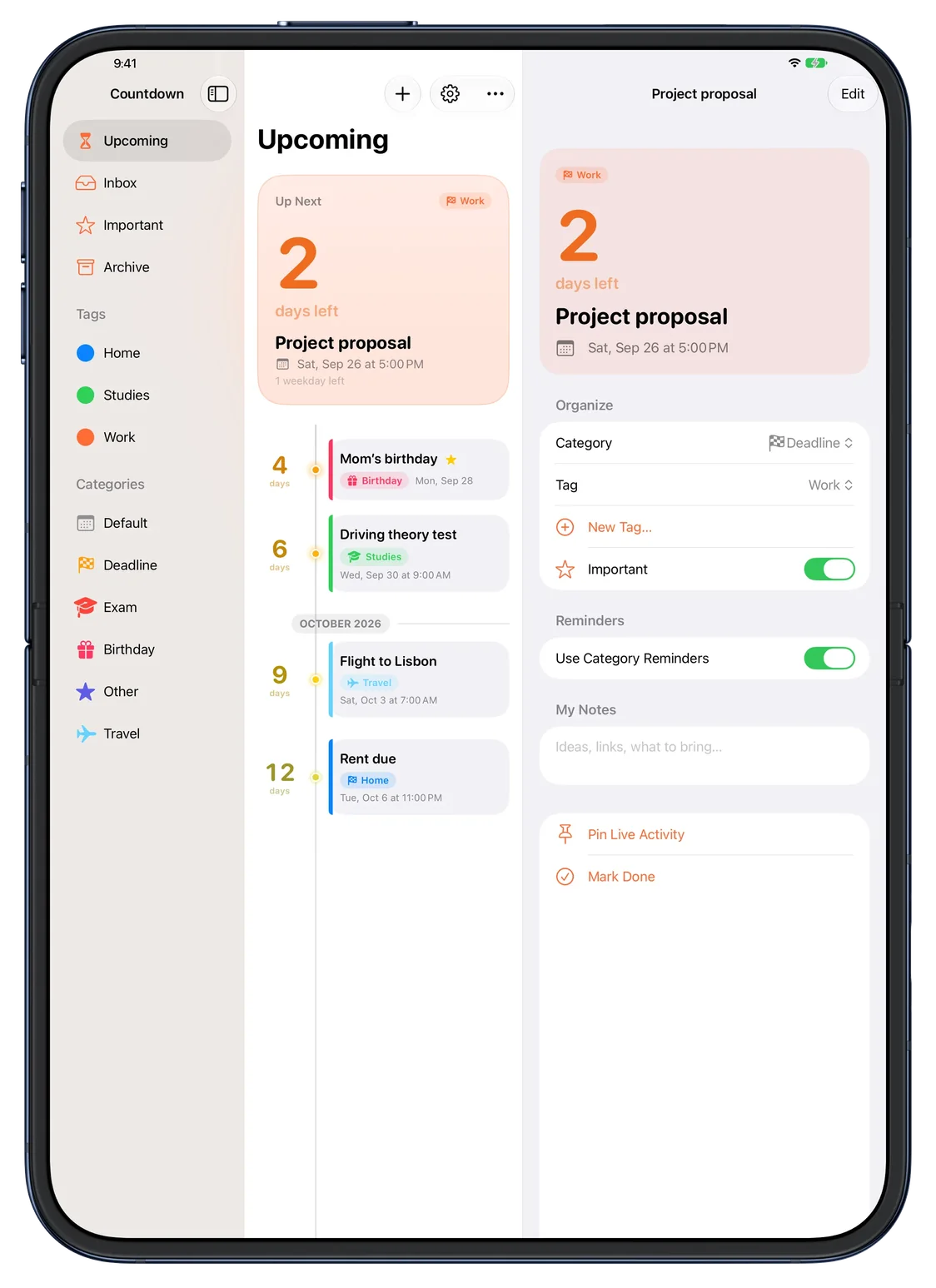
Open, it’s all there.
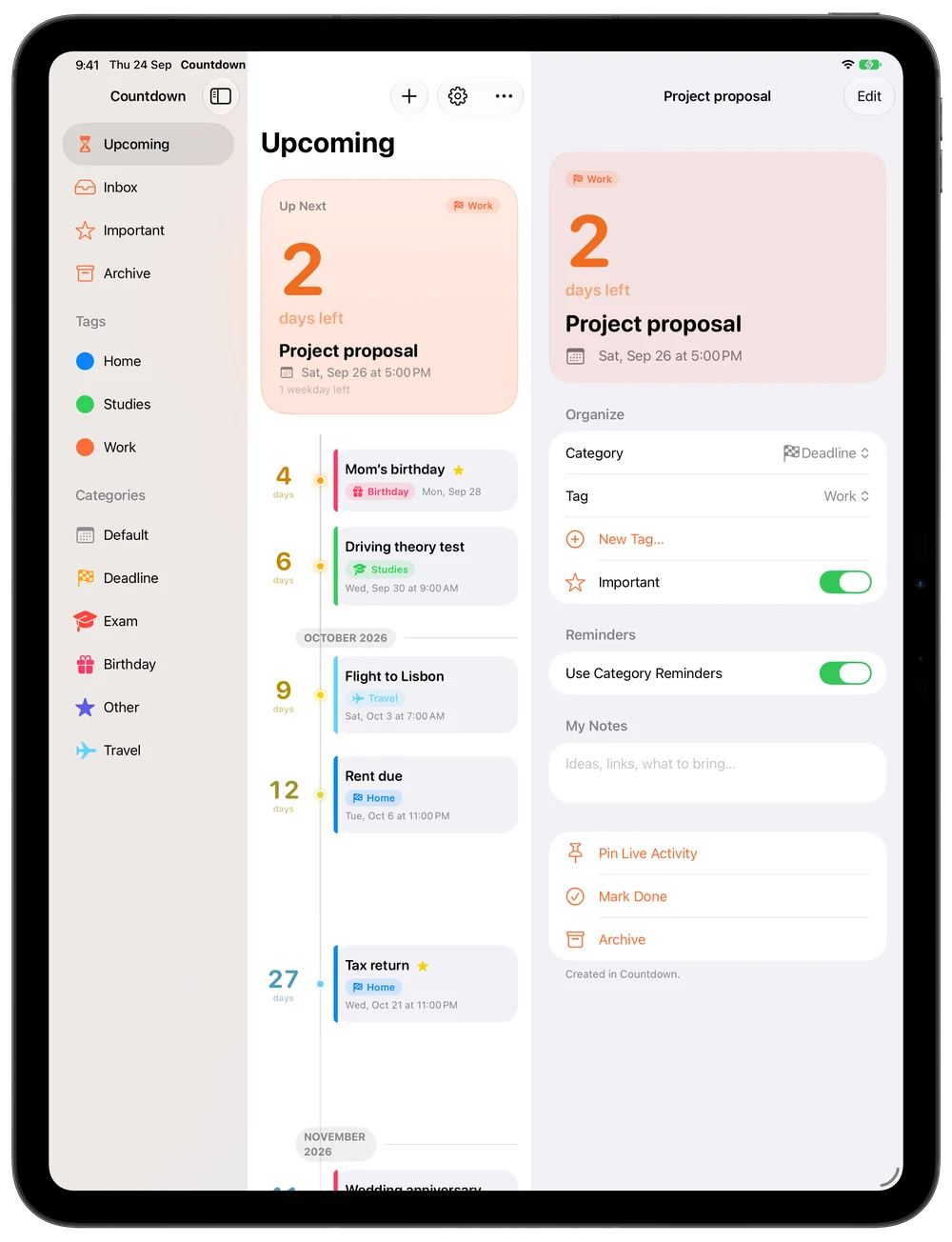
Sidebar, timeline and details side by side on the 7.6‑inch display.
Countdown reads the calendars you already use and lays what’s coming on a timeline you can take in at a glance.
7 days free, then €9.99 once · iPhone, iPad, Mac and Apple Watch · iOS 26 or later
12days
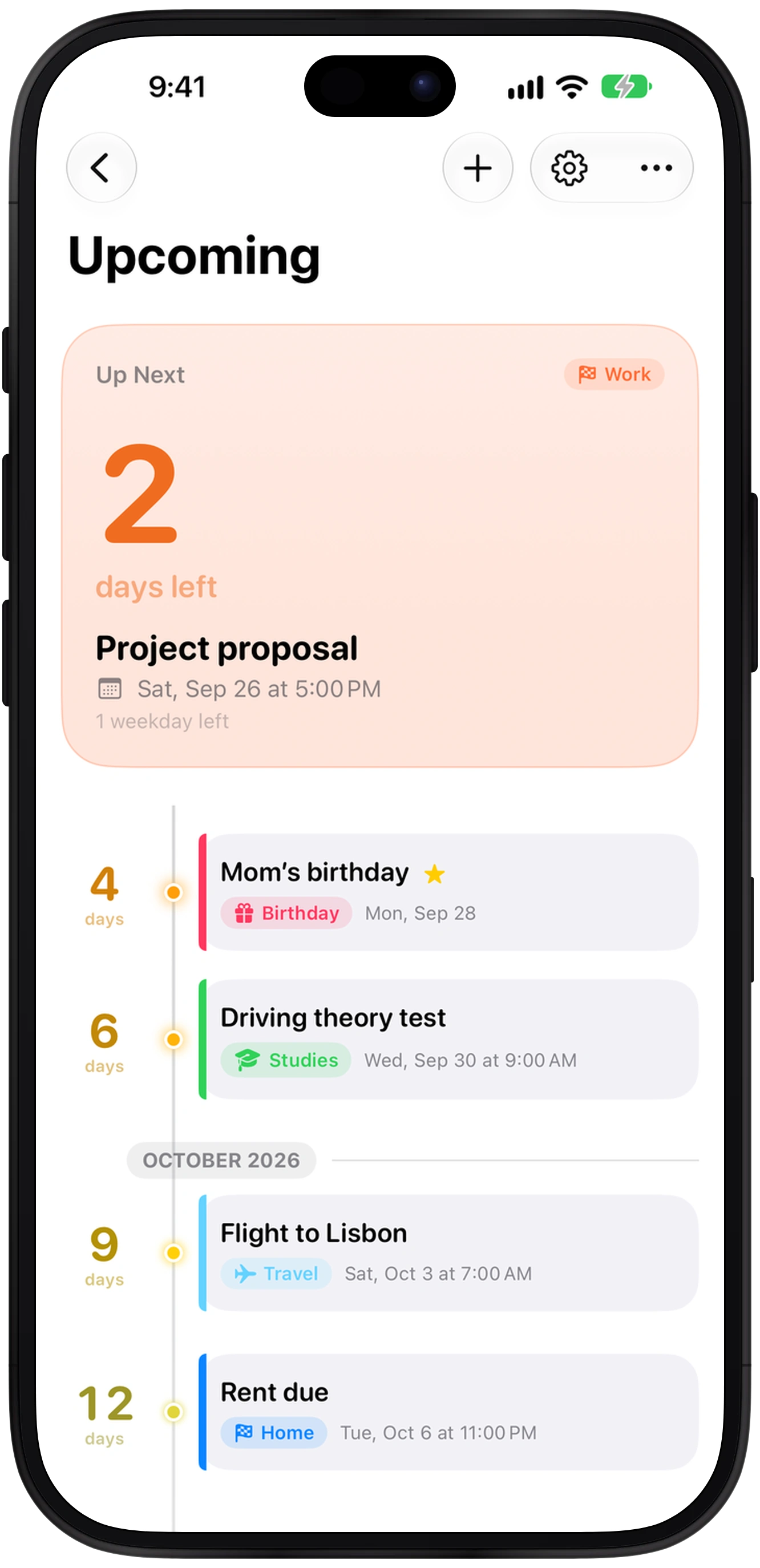
Pick a point to see its countdown.
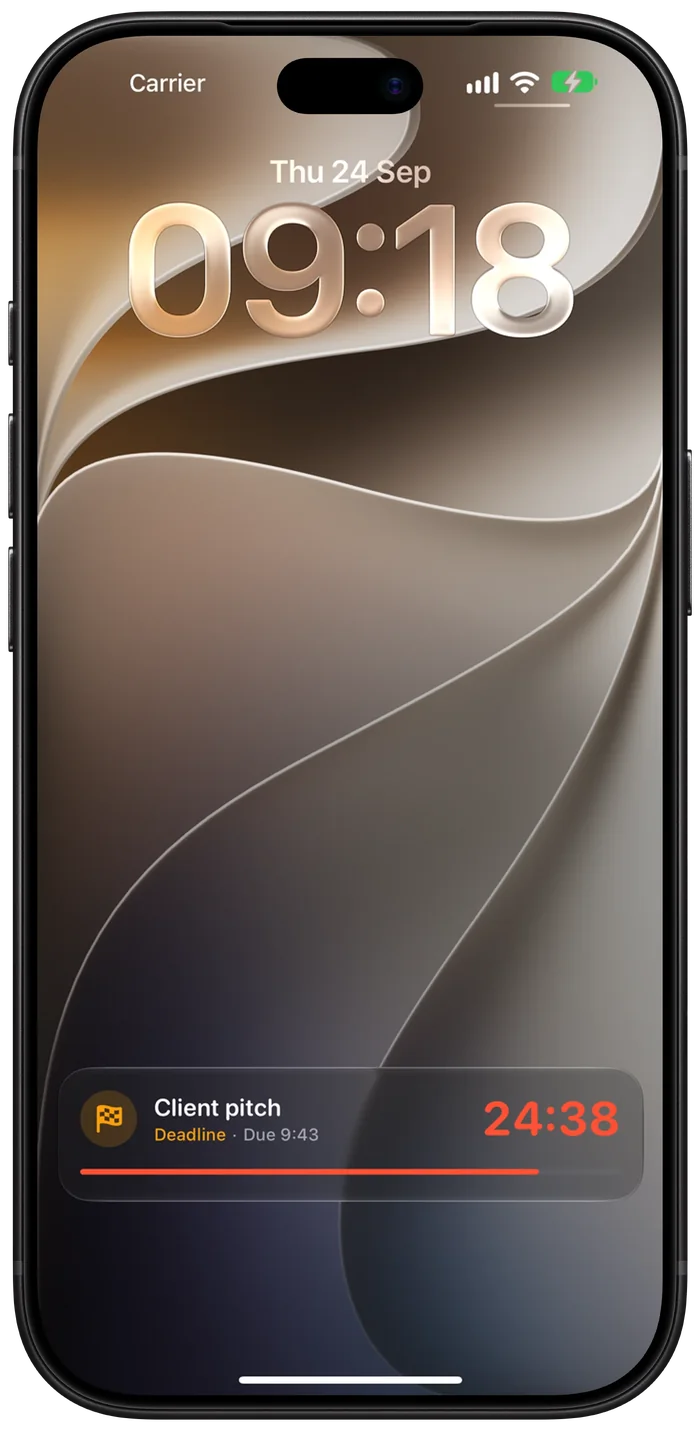
On the day, Countdown starts a Live Activity for you — eight hours out, never before 7:00 — so the timer waits on your Lock Screen and in the Dynamic Island.
You can also pin any deadline yourself.
Anything in Apple Calendar — including Google and Exchange accounts added in Settings — plus Reminders with a due date and birthdays. There’s nothing to sign in to.
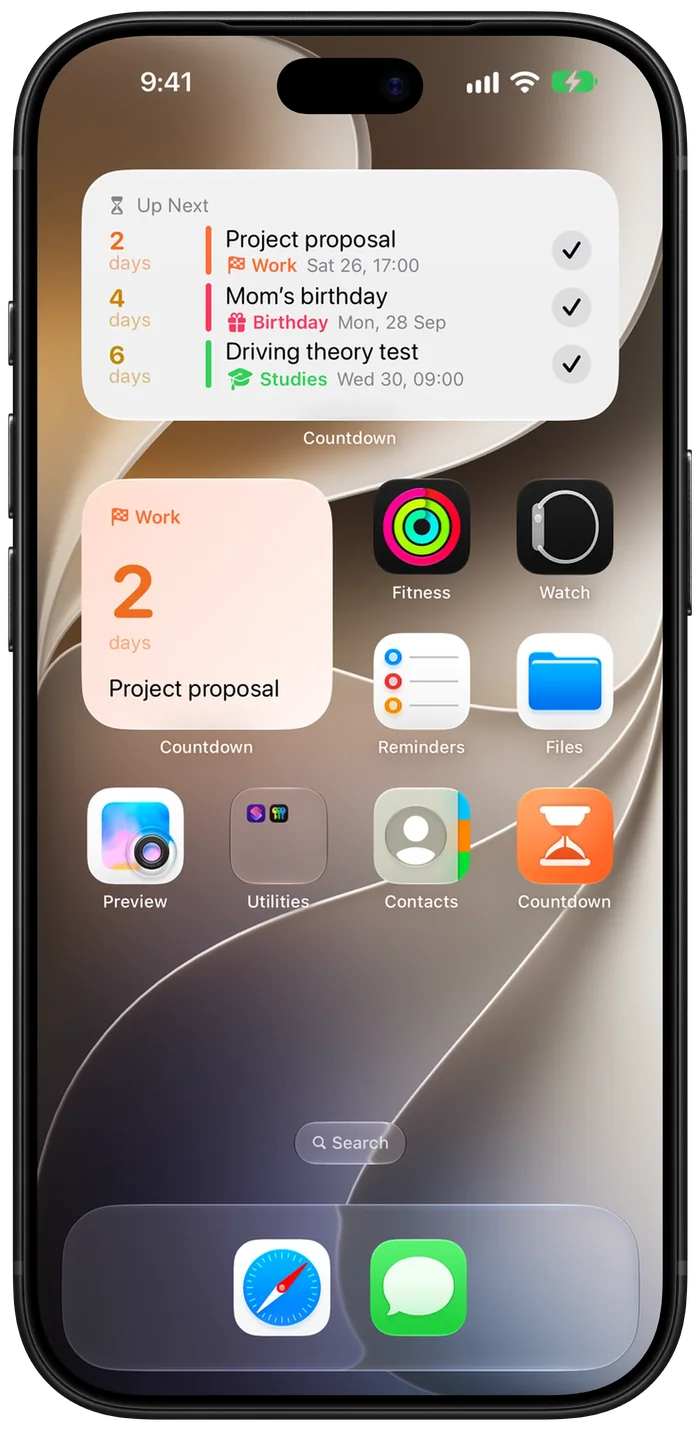
A timeline on iPhone, a sidebar and inspector on iPad and Mac, and widgets on the Home Screen, Lock Screen, StandBy and desktop. iCloud keeps them in step.
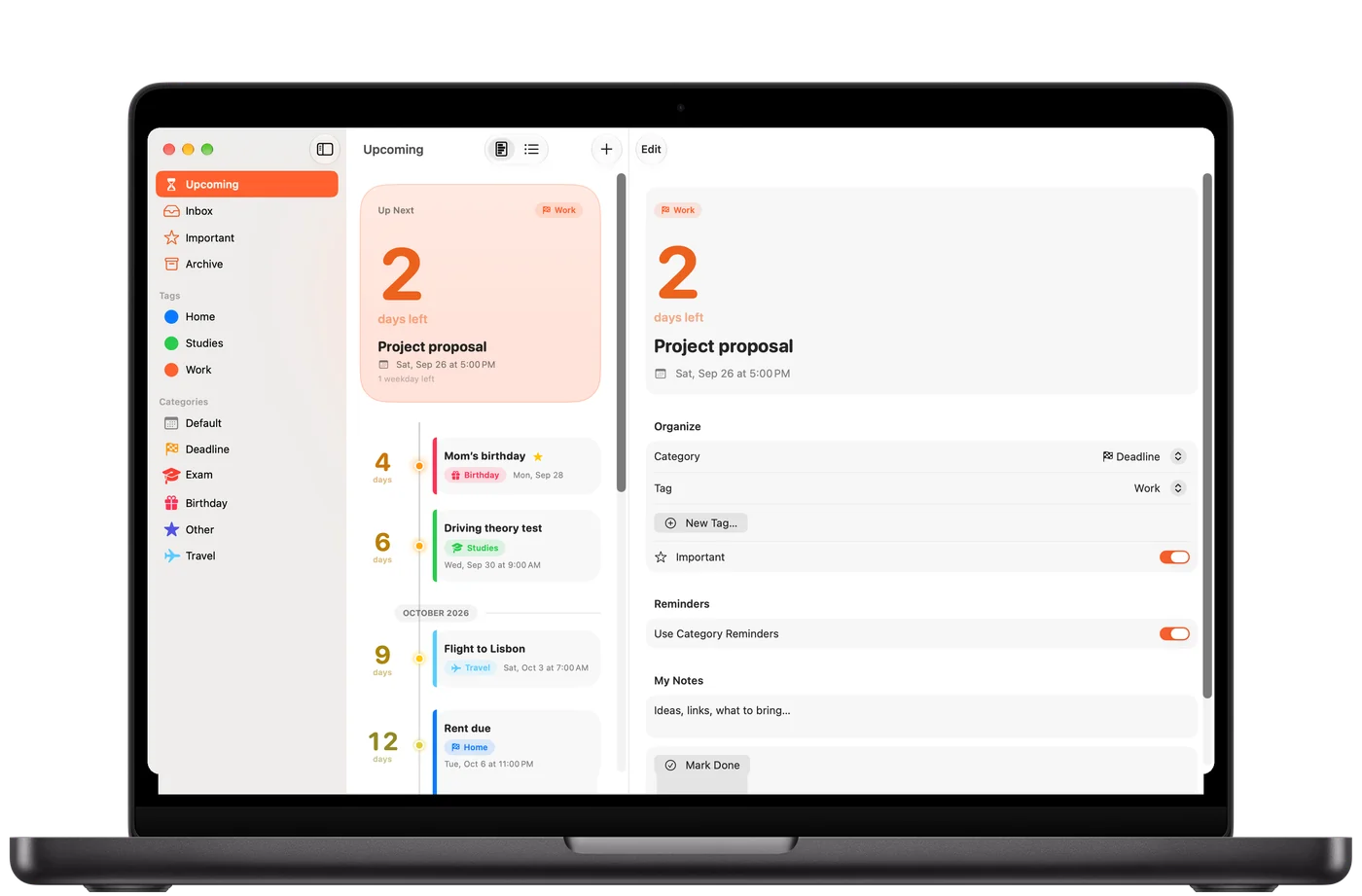
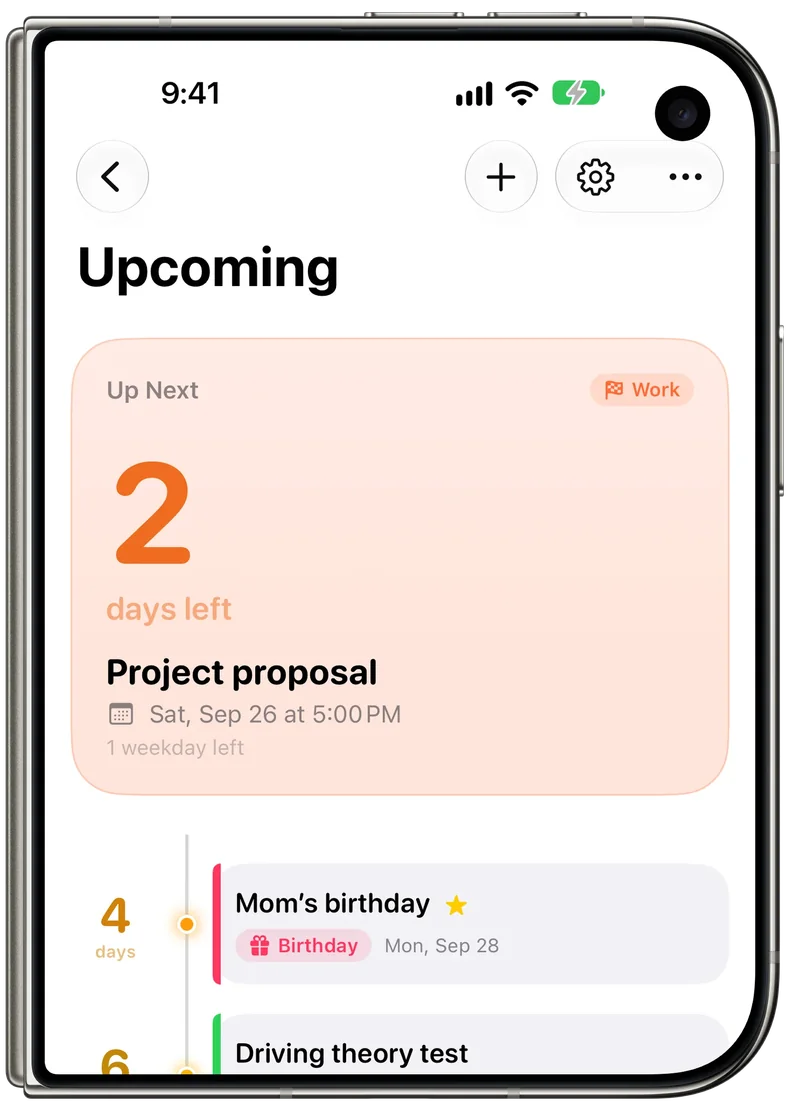
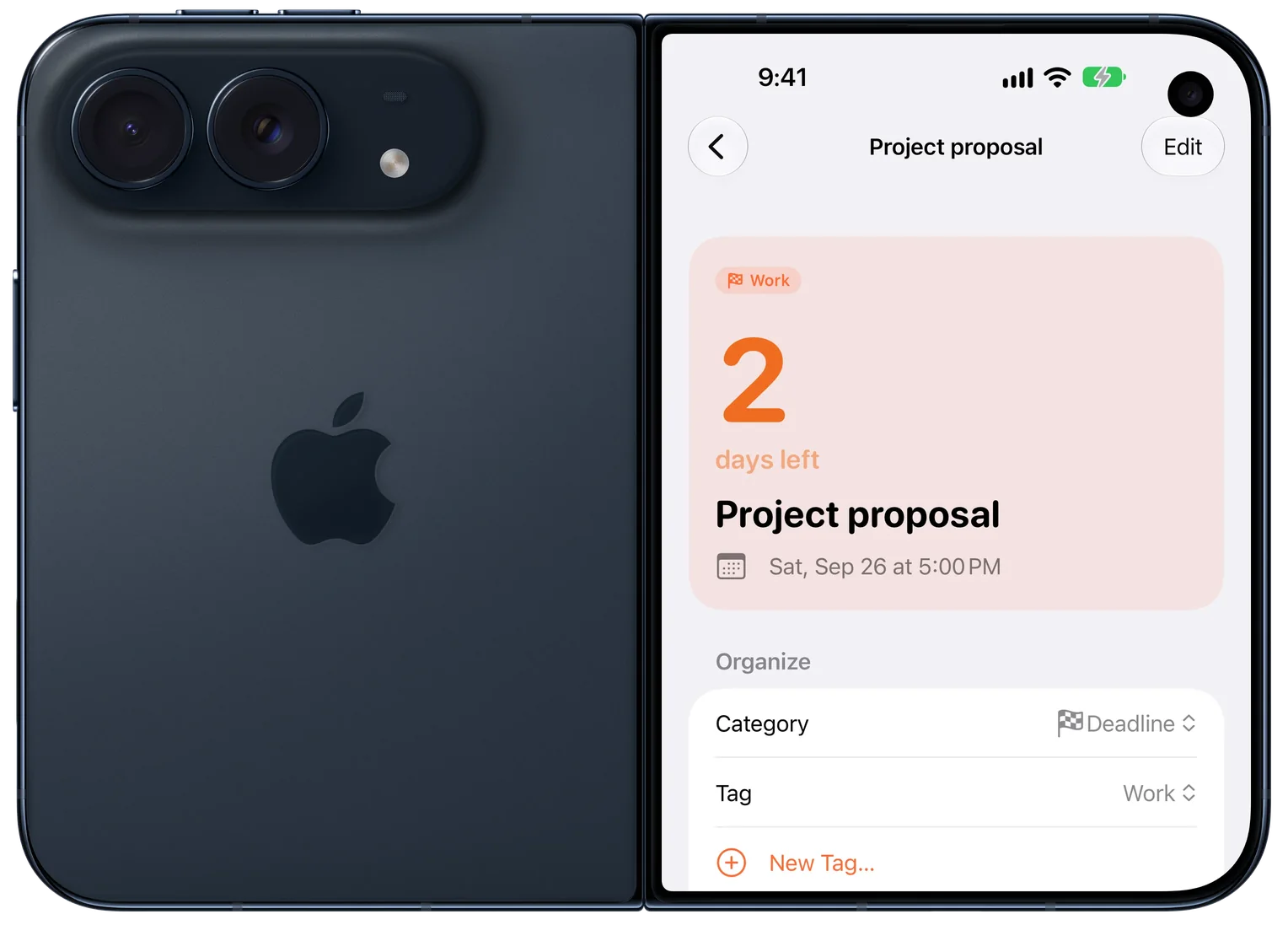
Open it and Countdown spreads out like it does on iPad. Close it and your timeline is right there on the outer display.
Sidebar, timeline and details side by side on the 7.6‑inch display.
The same timeline, sized for the 5.4‑inch outer display.
The same widgets, Live Activities and Siri as on any iPhone.
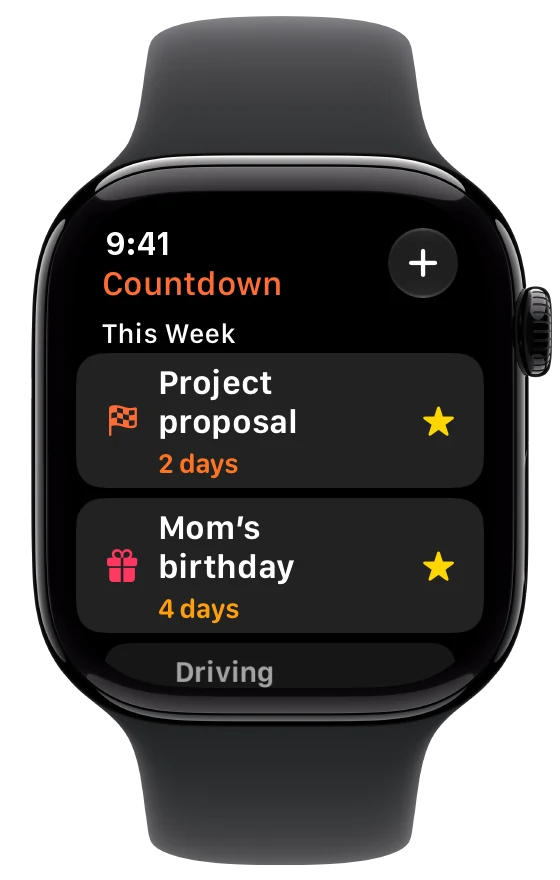
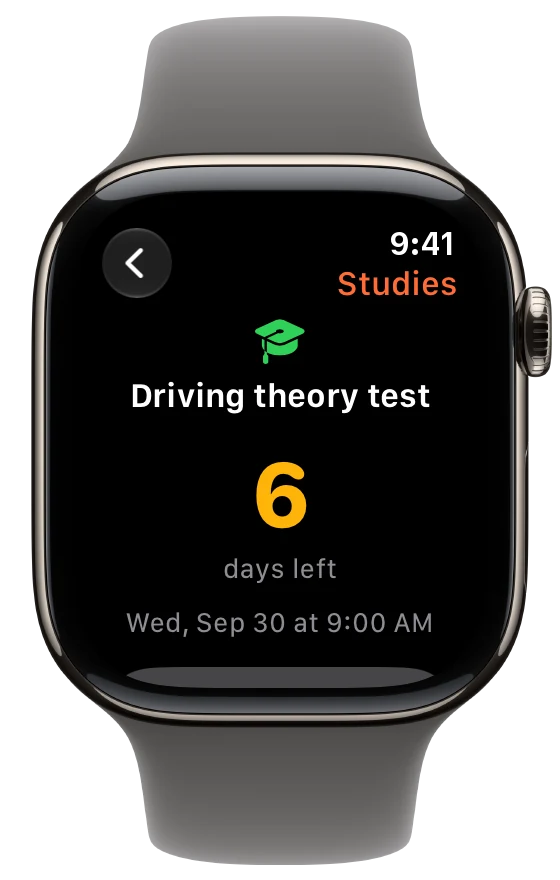
The Apple Watch app shows what’s next and how many days are left, and complications keep the next date on your watch face.
Siri, Shortcuts and Spotlight know your deadlines, and you can add one without opening the app.
€0
7 days, everything included
 Countdown Lifetime
€9.99
once, for life
No subscription. No renewals.
A one-time purchase through the App Store. After the trial, Countdown stays locked until you buy Lifetime; your data is kept. Prices vary by country and include tax. Terms of use

Family sharing. Buy Countdown once and share it with up to 5 family members.
Privacy first. Your countdowns stay on your devices and in your iCloud. No account, no ads, no tracking.Read the privacy policy
Countdown is a universal app for iPhone, iPad and Mac, with an Apple Watch app, that counts down the days to deadlines, birthdays, exams and any date that matters, from your calendars.